
Turan — beautify every page you open
Bright and crisp by day, soft at night; paper-like for long reads, cool and low-saturation for code. One browser, different moods.
Bright and crisp by day, soft at night; paper-like for long reads, cool and low-saturation for code. One browser, different moods.
Turan is a Chrome extension that lays a colour scheme you control over the pages you visit.
- 17 built-in schemes (gradient and solid eye-care tints, frosted glass, dark themes, high contrast) — one of them will fit
- 9 animated background effects (stars, meteors, bubbles, rain, snow, fireflies, leaves, fireworks, grain) so the pages you visit stop feeling flat
- Switches schemes automatically on a schedule
- Lets you bind a scheme and a set of effects to individual sites
- Lets you build your own colours and animations
See it in action
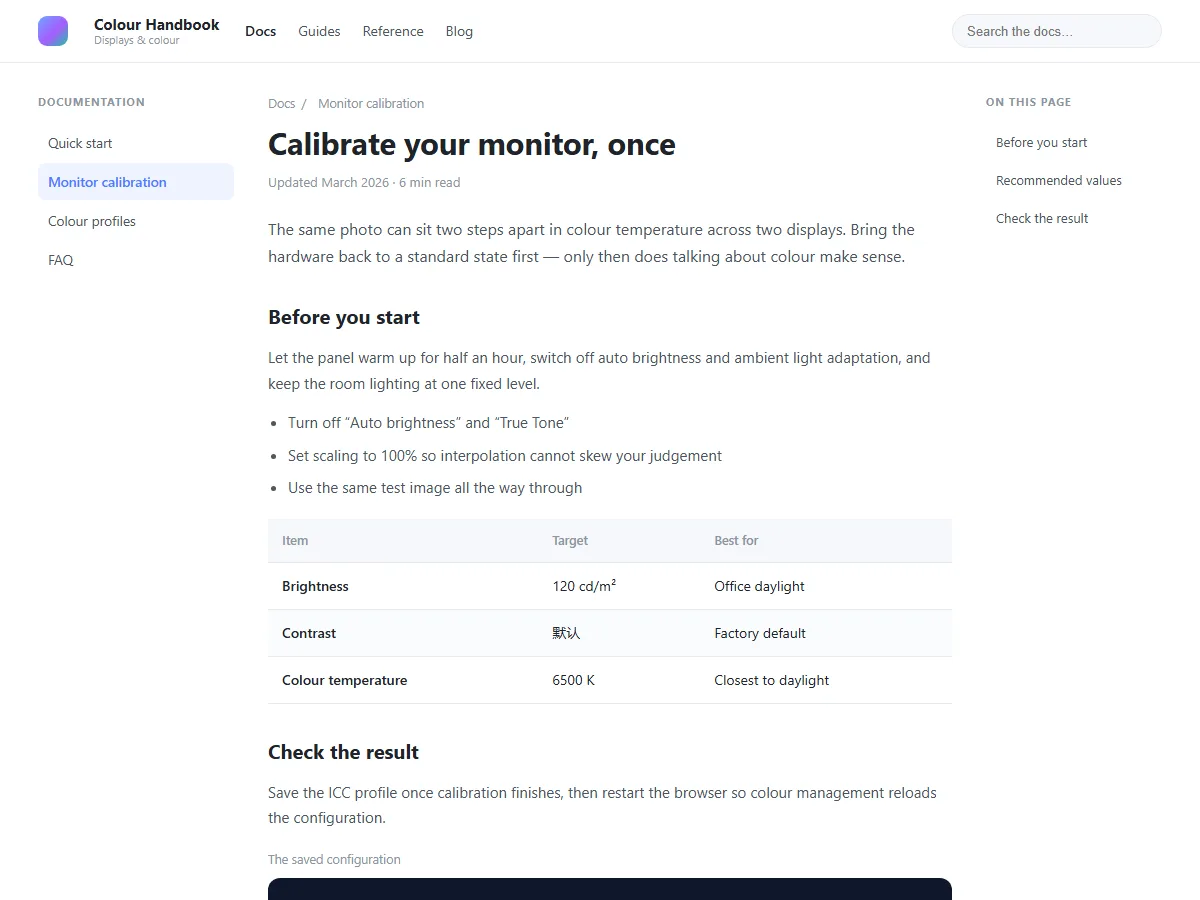 ⬆️ The page untouched
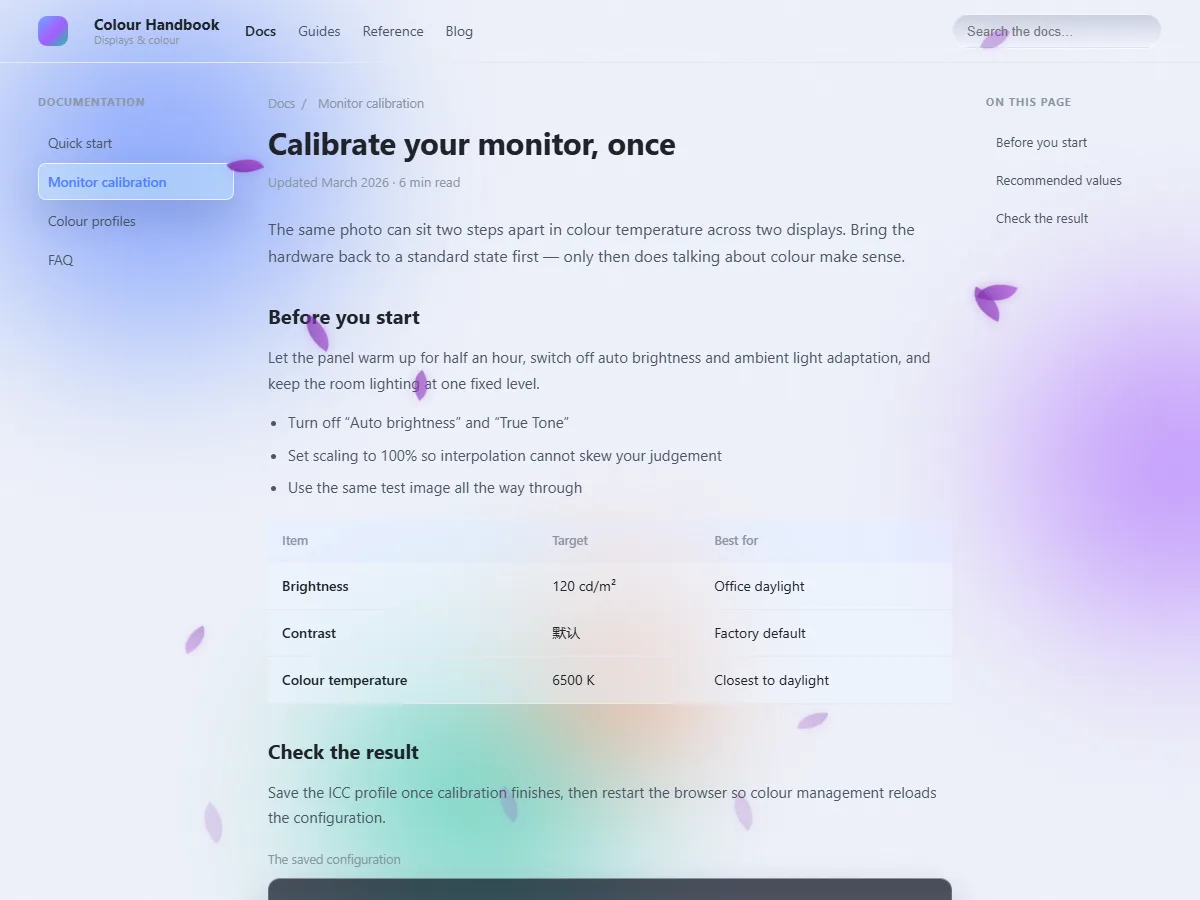 ⬆️ The same page with frosted glass
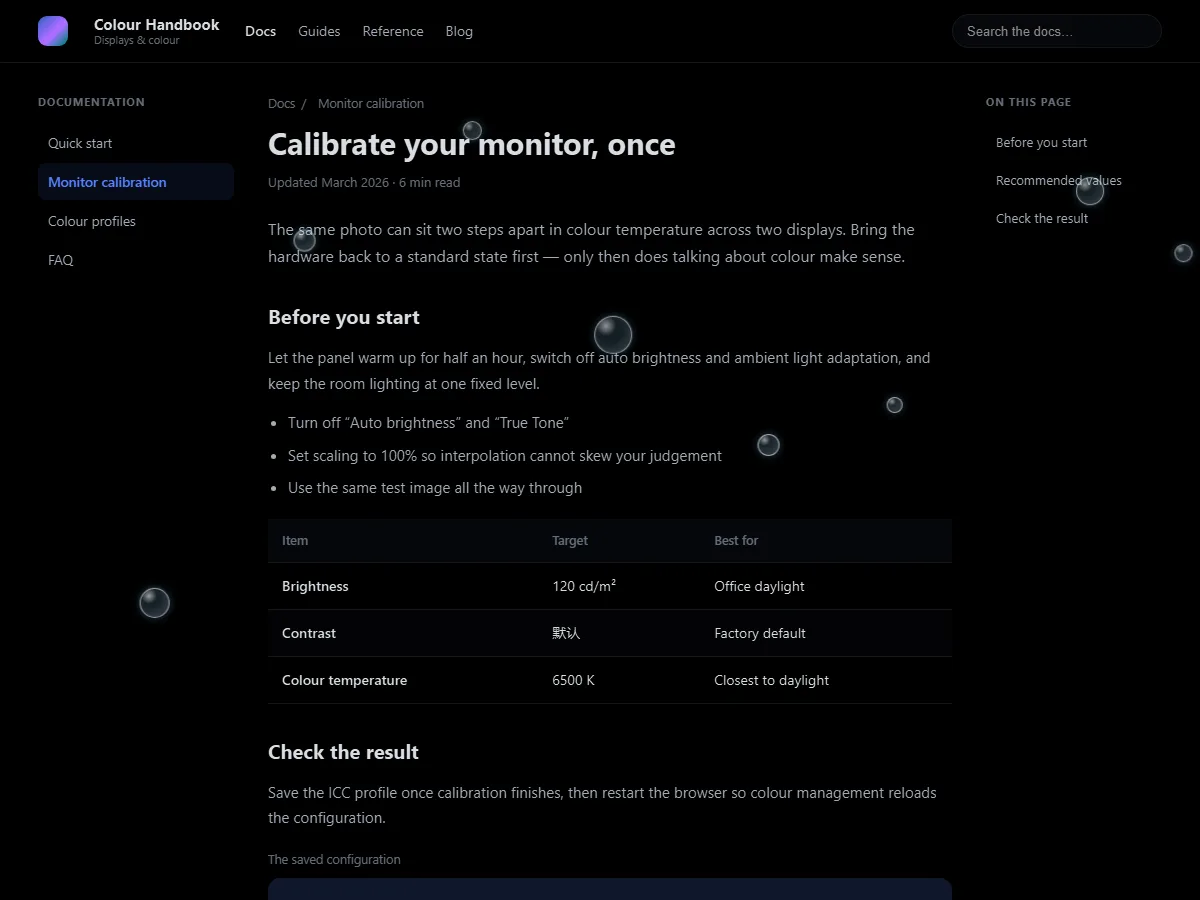 ⬆️ The same page in dark mode
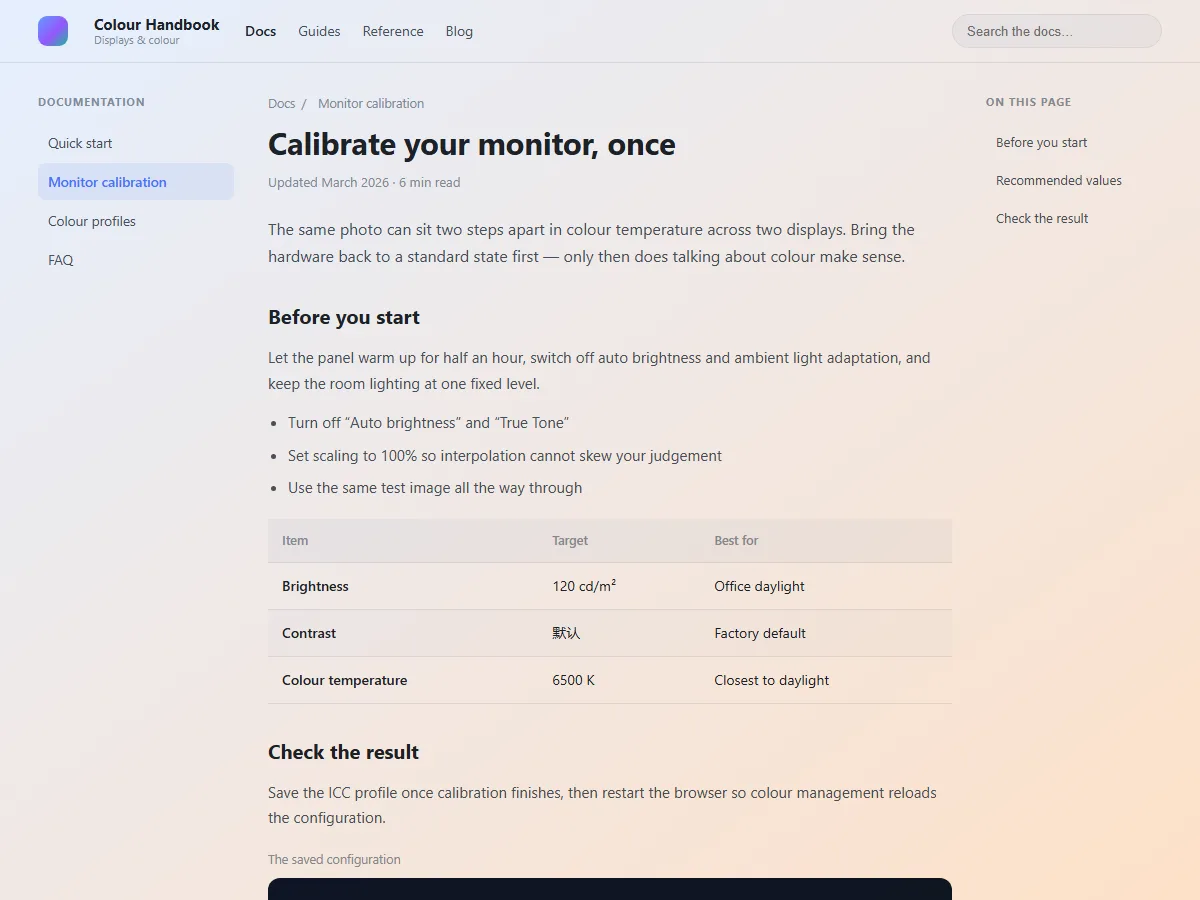 ⬆️ The same page with Dawn Eye Care
The background picks up a soft blue-and-orange gradient while the text stays dark and readable. This is not a veil laid over the screen — it is multiply tinting: it tints the background and leaves the text alone.
Four things that set it apart
1. Frosted glass and blobs — six iridescent schemes: Iridescent Frosted Glass, Iridescent Blobs, Obsidian Night and Obsidian Blobs (each with a "No Button FX" variant). Panels turn into frosted glass, with colour blobs drifting slowly behind them.
2. Eye-care schemes and dark mode — seven eye-care schemes to start from: Dawn Eye Care, Green Field Warm Sun, Warm Paper, Honey Dusk, Soft Amber Night, Sage Mist and Misty Veil. Long reading sessions, documentation, novels — pick one and you will not want to switch back.
3. Animated backgrounds — nine effects: stars, meteors, bubbles, snow, rain, fireflies, leaves, fireworks and grain. Run one on its own or stack several; switch them off and they cost nothing.
4. Automation — switch schemes by time of day, bind a dedicated scheme to a given site, and keep a whitelist for the sites you never want tinted. Set it once; it runs itself from then on.
Up and running in three steps
- Install and go — effects are on by default, already set to Green Field Warm Sun for daytime and Dawn Eye Care for the evening
- Click the toolbar icon — pick a scheme, drag the opacity slider, turn on animated backgrounds: all in the popup
- Open "Detailed settings" for the fine tuning — custom colours, schedules and site rules live there
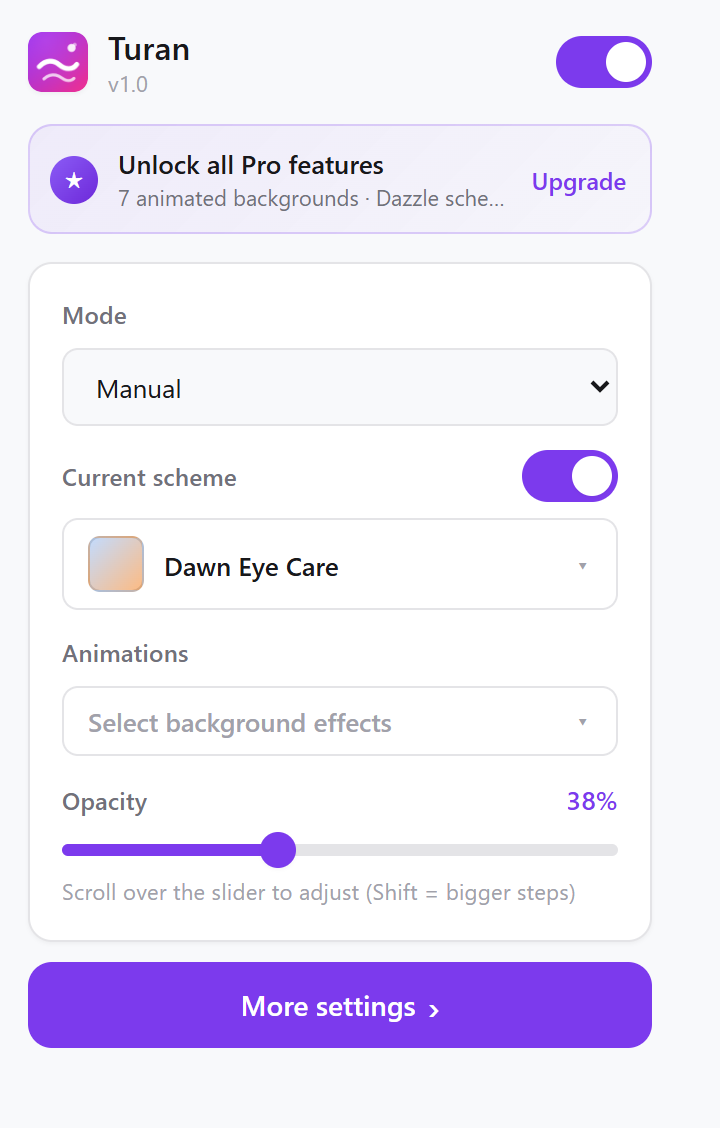 ⬆️ The toolbar popup — everything you touch daily, on one screen
Read next